
How To Delete Your Instagram Account

By Jamie
Part 8 of 10
8. Temporarily Disabling Your Account
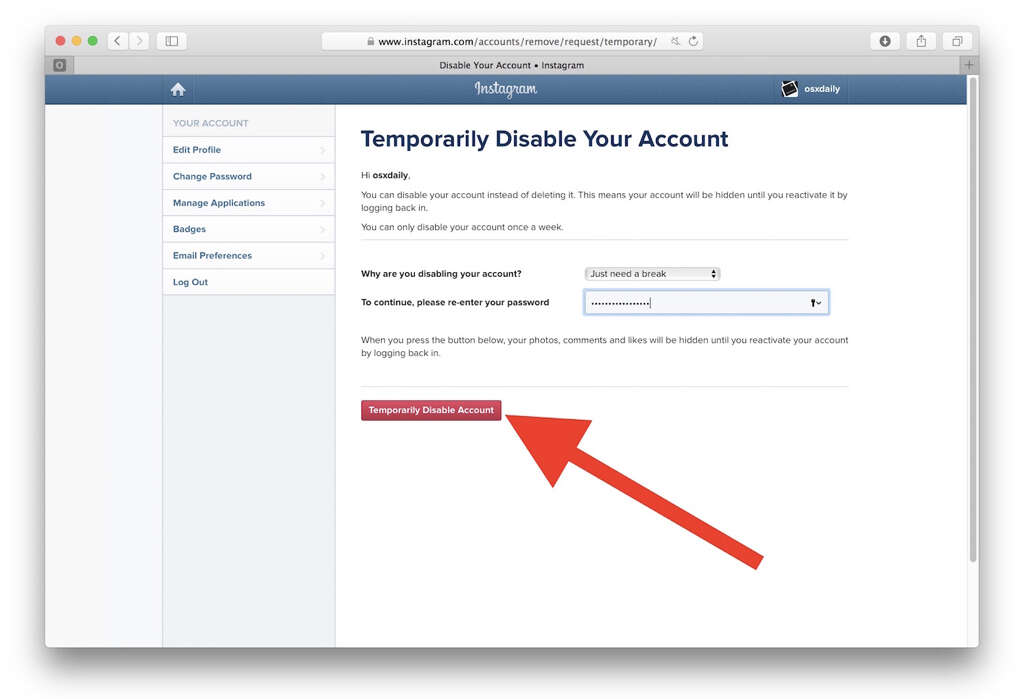
In order to temporarily disable your Instagram account, you will need to log in first. As with permanently deactivating your account, disabling it will also require you to log in through Instagrams website. Remember also to make sure that it is definitely your account you are disabling.
Advertisement
As is the case when deleting your account permanently, make sure that you let friends and family know first. Some people might be concerned if you go offline without warning, especially if they are unable to contact you. Once you are logged in, you can follow the steps to disable your account for as long as you wish.
Advertisement