How To Delete Your Instagram Account


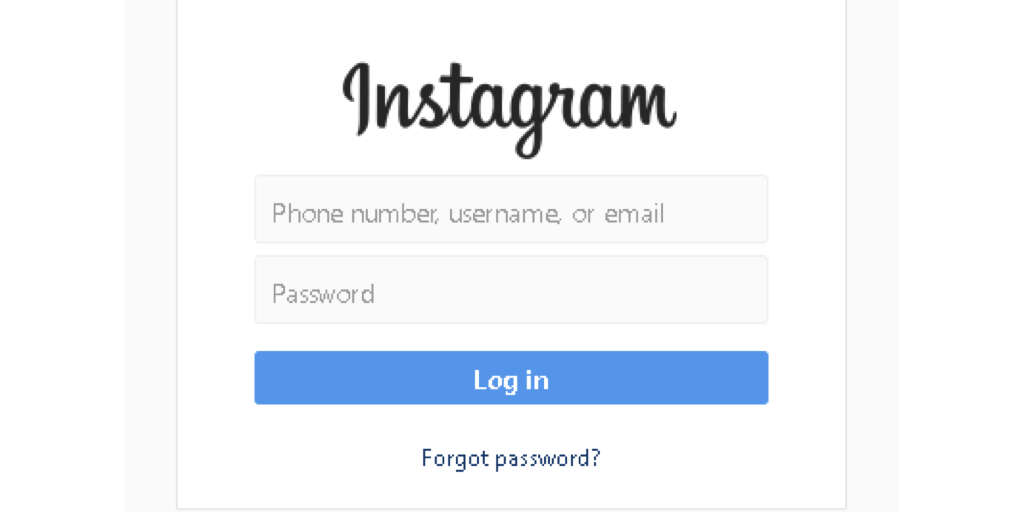
3. Log In
When you are ready to go ahead and delete your Instagram account, you will first need to log in. If you are using a device that you share with other people then make sure it is definitely your account. Friends and family will probably not be happy if you delete their account by mistake.
Bear in mind that an Instagram account cannot be deleted when using the app, so you will need to do it through their website. Before you actually close the account, remember to download any images from Instagram onto your device so they don’t disappear with the account. The same goes for any other important information that you might need.