How To Delete Your Instagram Account


9. Go to Your Profile Page
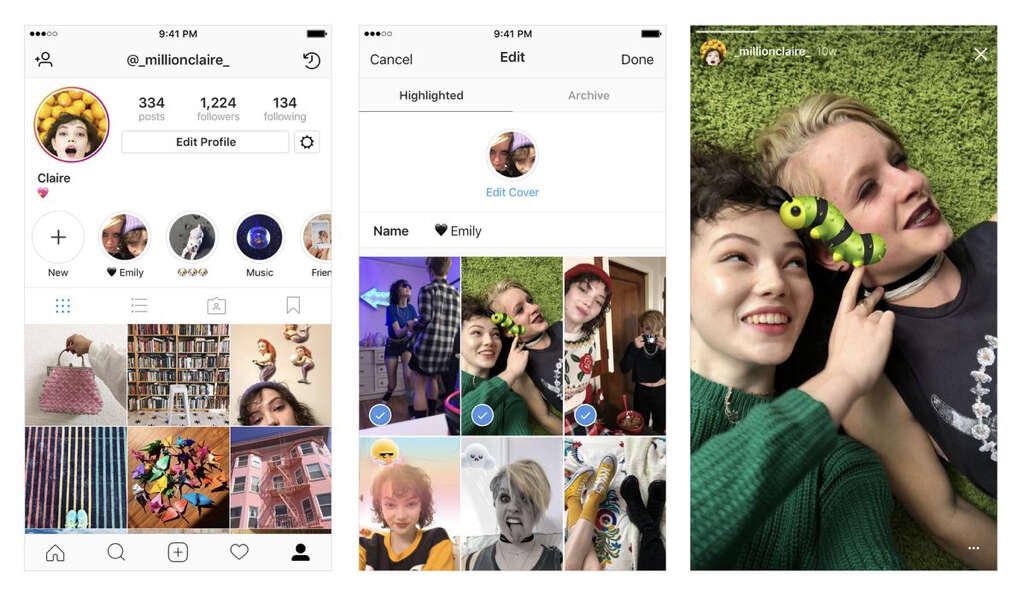
In order to disable your Instagram account, first go to your profile page. Click on “edit profile” next to where your Instagram handle is and a new page will pop up. On the bottom right-hand side of this screen you will see an option that says “temporarily disable my account.”
Click on this and you will be asked to enter your password again along with a box asking you the reason why you are disabling your account. Then select “temporarily disable account” at the bottom and your account will be disabled, essentially hidden from view until you choose to log back in and reactivate it.